
Improved tab navigation with overflow support
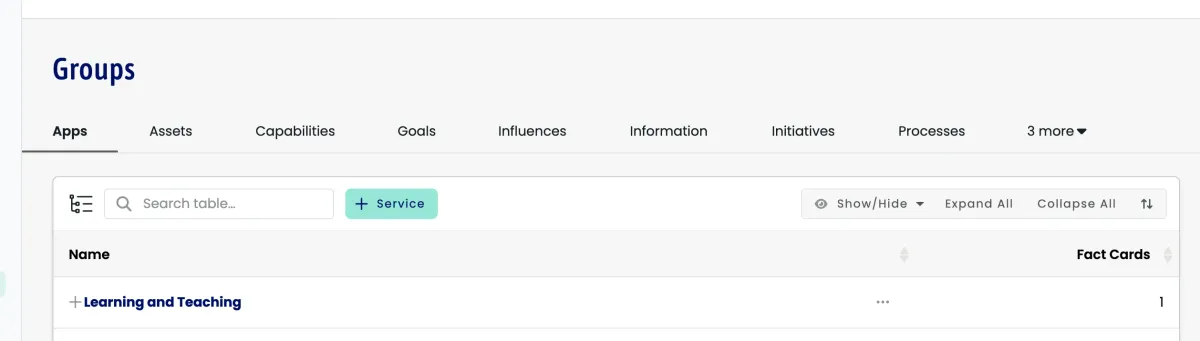
Tab groups handle cases where there are more tabs than fit in the available space.
What is new
Smart Overflow: When you have many tabs, excess tabs move into a dropdown menu
Flexible Layout: Tab bars adapt to different screen sizes and content lengths
Better Navigation: Access all tabs easily, even with large numbers of options
Consistent Experience: Tab positions stay stable when switching between tabs
Where you will see this
Settings Groups: Navigate between configuration types with quick access through the overflow menu
All Tab Interfaces: Screens with multiple tabs handle overflow consistently
Benefits
Improved Usability: No cramped or cut-off tabs on smaller screens
Better Organization: Keep the workspace clean while retaining access to all functionality
Future-Ready: Add more tab options without cluttering the interface
This helps complex workflows that rely on many tab views, especially for power users managing extensive configurations or datasets.